Mastering Your Message with Innovante Creative Presentation
We have all been there. Staring at a blank PowerPoint slide, cursor blinking, trying to figure out how to make a standard corporate template actually look... well, creative. Whether you are pitching a startup, showcasing a photography portfolio, or presenting a company profile to stakeholders, the visual vessel is just as important as the data inside it. The Innovante Creative Presentation Template steps in here to solve that specific friction point. It is not just a collection of slides; it is a design system built for modern storytelling. For designers, entrepreneurs, and content creators alike, this template bridges the gap between a raw idea and a polished, professional delivery.
Visual Style and Personality
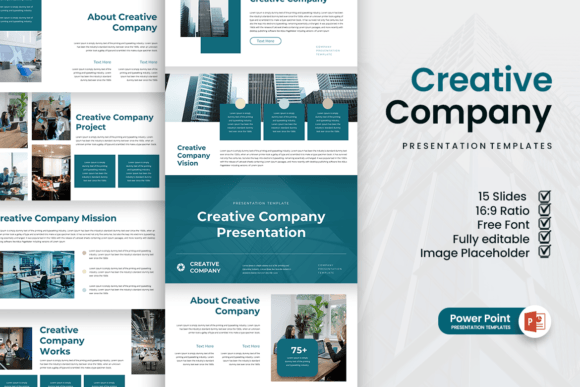
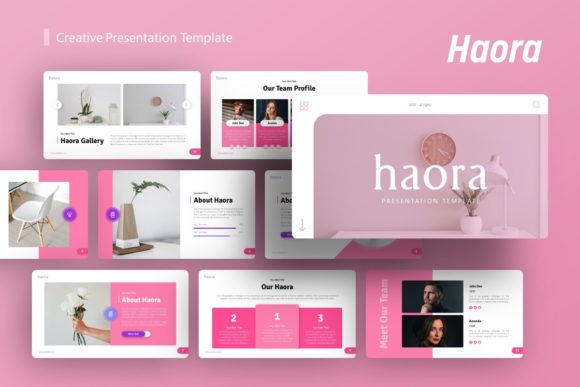
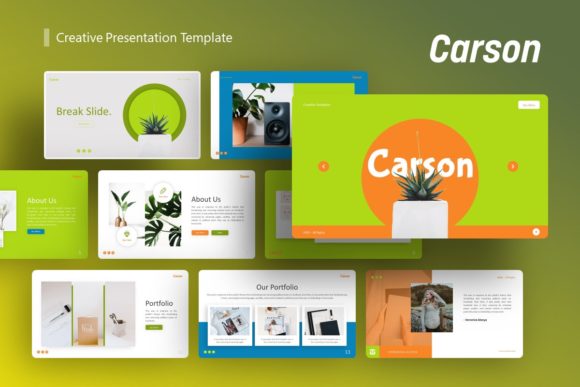
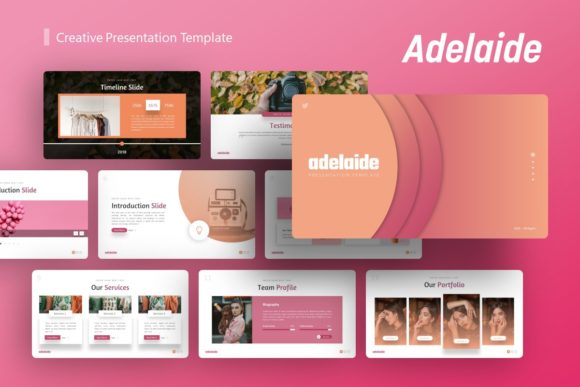
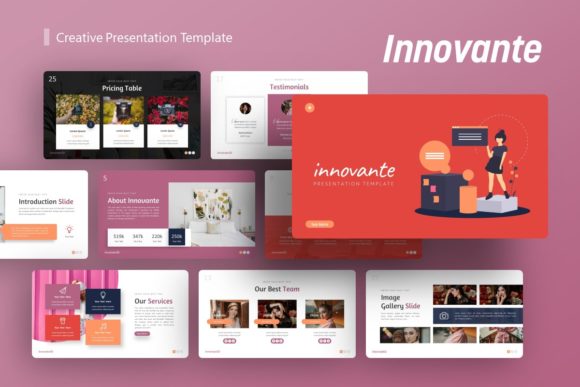
The defining characteristic of the Innovante Creative Presentation is its balance between minimalism and energy. It embraces modern typography principles, utilizing clean lines and ample white space to prevent the audience from feeling overwhelmed. The personality of this template is confident and forward-thinking. It avoids the cluttered look of older corporate decks in favor of a streamlined aesthetic that feels right at home in a pitch deck or a startup environment.
Visually, the template relies heavily on pixel-perfect illustrations and a cohesive color palette that suggests sophistication without being boring. It feels curated rather than generic. You will notice that the layout guides the eye naturally. This is crucial for brand identity work; when your presentation looks intentional, your brand is perceived as intentional. The style leans into the "less is more" philosophy, but it does so with enough visual flair to keep a creative agency audience engaged.
Practical Applications: Beyond the Boardroom
While the name suggests a business context, the versatility of the Innovante Creative Presentation Template extends far beyond quarterly reports. Because the template is based on Master Slides, it is incredibly easy to customize, making it a robust tool for a variety of design assets needs.
- Portfolio & Photography: For visual artists, the picture placeholder feature is a game-changer. You can simply drag and drop your high-resolution images into the designated spots. This allows you to build a portfolio that looks like a high-end magazine layout rather than a simple slideshow.
- Corporate and Business: For small business owners, consistency is key. Using Innovante ensures that every internal meeting and external pitch maintains a uniform look, reinforcing your brand identity without needing a dedicated design team for every slide.
- Editorial and Publishing: If you are a blogger or publisher discussing content strategy, the handcrafted infographics included in the file help visualize data. Good editorial design isn't just about text; it's about how you present information visually.
- Social Media Graphics: Do not limit these slides to a projector screen. You can export individual slides as high-quality images to create social media graphics. A single slide can become an Instagram carousel or a LinkedIn infographic, extending the life of your content.
Design Features that Matter
When you download a premium font or template, you are paying for the time saved and the quality of the craftsmanship. Innovante offers 36 slides for each template, which provides enough variety to handle complex narratives without repeating layouts. The fact that all graphics are resizable and editable in PowerPoint means you are not locked into a rigid structure. If a specific graphic doesn't fit your narrative, you can scale it, recolor it, or remove it entirely without breaking the slide's layout.
One of the standout features is the vector icon inclusion. In many standard templates, icons are rasterized images that look blurry when resized. Here, they remain crisp, ensuring your web design or projection remains sharp. This attention to detail contributes to a sense of professionalism. When you are presenting a company profile, these small technical details subconsciously signal to your audience that you care about quality.
Tips for Customization and Font Pairing
To get the most out of the Innovante template, you need to think about font pairing. While the template comes with a specific aesthetic, you will likely want to swap the placeholder text for your own typeface choices to match your specific branding.
- Evaluate Readability: If you are presenting to a large room, avoid overly decorative script fonts or handwritten fonts for body text. Use them sparingly for headers to add personality, but stick to a clean sans serif font or serif font for the main points. Readability is paramount.
- Maintain Hierarchy: Use the template’s structure to your advantage. Use bold headers to establish a visual hierarchy. Your audience should be able to glance at a slide and immediately know the main topic versus the supporting details.
- Check Licensing: If you decide to use a custom commercial font with the template, ensure you have the proper license. Since this template can be used for personal portfolio work or commercial pitches, your typography needs to be legally compliant for both contexts.
Ultimately, the Innovante Creative Presentation is a tool for clarity. It removes the technical barriers of slide design, allowing you to focus on what you are actually saying. Whether you are a marketer pitching a new campaign or a photographer showcasing a recent shoot, this template provides the canvas you need to look professional and prepared.